

As salon owners, you and I know that running a beauty business exposes you to a unique kind of chaos. At my salon, we once had a family of four book with us (mom, dad, and their two teenagers), each paired with their preferred stylist for a haircut. When they canceled last minute, we suddenly had four open slots at the same time.
Because it was so close to the appointment time already, the four of us opted to trade services. One of us needed a blowout for an event that evening, another was overdue for a pixie trim. We figured we’d put the time to good use. What we forgot to do was tell our front desk.
So, while we were mid-service, our receptionist, doing exactly what a good receptionist does, had already called clients to fill those spots!
Cue the scramble. We had two clients arriving at the front desk while one stylist had wet hair from the shampoo bowl, and I was halfway through a haircut on my coworker. It all worked out, but it would’ve been entirely preventable if we’d had a system in place.
That’s why I put together this guide on how to fill last-minute cancellations at your salon. I’ll share my four favorite strategies, plus point you towards three salon software platforms that can help you fill gaps fast.
Why an Empty Slot Costs More Than the Missed Service
First things first, let’s get clear about the true cost of a last-minute cancellation. When you run the numbers, there’s more to consider than just the lost service revenue.
There’s also the stylist standing there, on the clock, with no one in their chair. Don’t forget about the retail that never gets recommended because there’s no client to recommend it to!
And there’s one final ripple effect that’s easy to overlook. You see, a client who cancels and doesn’t rebook right away has a much higher chance of booking at a different salon altogether.
The long and short of it is that cancellations aren’t just empty hours. They often also become clients you don’t see again.
Now that we’re clear on the true stakes here, I’ll share my four favorite ways to fill last-minute cancellations at your salon.
1. Start with a Waitlist You Maintain Daily
Most salons treat the waitlist like a fire extinguisher. They know they should have one, they’re glad it’s there, but they haven’t thought much about it until something goes wrong. The thing is, your waitlist only works if you’re using it basically every day.
Said another way, building a useful waitlist is something you should do proactively, before appointments are canceled, not afterwards.
One of the simplest ways to add people consistently is to make it part of your booking routine. When a client asks about getting in sooner, or mentions they’d love to try a service you’re often booked out for, that’s your moment! Try, “Would you like to be on the waitlist for that day? If something opens up, we’ll reach out.”
It takes ten seconds, and over time, a waitlist built that way becomes a very reliable way to fill last-minute cancellations. There are also many software platforms that automate most of this process, which I’ll get into towards the end of this guide!
The other thing worth understanding here is that when a spot opens for someone on the waitlist, your team needs a clear and consistent answer for what happens next. Who checks the waitlist? Who makes the booking? Who informs the stylist? A simple policy, clearly communicated with all staff, will save you so much hassle.
2. Keep a Short List of Clients Who Want Last-Minute Calls

Separate from your formal waitlist, there’s another group worth knowing by name. These are the clients who are flexible and have told you so.
Maybe they work nearby and can slip out for a lunch appointment. Or perhaps they’ve said more than once, “If you ever have an opening, just text me.”
These clients are not waiting for a specific service on a specific date. Instead, they’re open to being pleasantly surprised, and they’re almost always happy to hear from you!
For years, I kept this list entirely in my head. I knew which clients came in on a regular cadence, which ones were probably overdue for something, and which ones would welcome a text out of the blue.
It worked reasonably well… Until the day I reached out about an opening and the client had just gushed to me about her imminent overseas vacation when I’d seen her the week prior. She responded graciously, but I felt so embarrassed.
That’s when tagging clients in our booking system became part of how I ran things. Being able to flag certain clients, whether that’s a custom “Open to Last-Minute” or “VIP” label your whole team can see, means anyone on staff can pull that group and reach out without guessing or putting their foot in their mouth.
Which platforms handle tagging well, and which ones don’t? We’ll get into that in the software section of this guide.
3. Put the Word Out as Soon as You Know

Once a cancellation is confirmed, the clock is ticking. The closer you get to the appointment time, the harder that slot is to fill, which means outreach needs to happen fast and through more than one channel.
Social stories on Instagram and Facebook are one of the most underused tools for filling last-minute salon openings. They’re free, they reach people already following you, and they create a sense of immediacy that a regular post doesn’t.
But there’s a secret ingredient here! You see, specificity is what makes them work. “We have an opening today!” is something people scroll past immediately. “We have a 2pm opening for a balayage touch-up. DM us or tap the link in our bio to grab it” speaks directly to specific clients in your audience and tells them what action to take.
For clients already in your system, texts significantly outperforms emails for same-day bookings. People check texts faster, which means same-day decisions happen through that channel.
My biggest tip for you with these campaigns is to let the WIIFM approach guide whatever you send. It stands for “what’s in it for me,” and it’s the difference between a message that reads like a plea and one that converts.
“Heads up! Your stylist has an opening today. Care to come in for some pampering?” is vague and easy to ignore. A stronger version looks like, “Hi [Name]! How are your highlights looking? We have a 2pm opening for a gloss to refresh the color and shine. Just respond to grab it.”
See what I mean? That’s a specific service, a specific time, and a clear benefit.
4. Let Your Deposit Policy Do Some of the Work

Most of the strategies I’m sharing here are things you do in order to react to a last-minute cancellation. But this one is more proactive, as it’s something that ideally helps minimize cancellations in the first place.
I’m talking about a deposit policy! A deposit policy reduces how often you’re in this situation, and it ensures you and your staff aren’t walking away empty-handed when a slot simply can’t be filled.
For timing, I’ve always tied policy changes to natural transition points. January is ideal because you can frame it as part of your annual updates, and it doesn’t feel sudden or personal. A new quarter works too.
Whatever timing you choose, send an email about six weeks out so clients see it well before their next booking. Keep the language straightforward. Explain that deposits go entirely toward the final service cost, they help stylists stay on time for everyone, and credit card data is stored securely.
For structure, a flat fee of $15 to $25 works for quick services under $100. For longer or higher-ticket appointments, somewhere in the range of 25 to 50% is more appropriate.
5. Create a Response Protocol and Share It with Your Staff
The story I shared at the start of this guide was caused, in part, by a complete lack of communication. In that moment, we were four stylists and my receptionist, each of us with our own ideas about what to do next!
And all of the strategies I’m sharing today really only work if everyone is following the same playbook when a cancellation happens.
But your response protocol doesn’t have to be complicated. What matters most is that every person on your team knows it. Here’s the order of operations that I’ve found works well (feel free to steal it for your own salon):
- First, whoever takes care of the cancellation immediately alerts the stylist and lets them know if there are clients on the waitlist.
- If so, see if any are a match for the open spot. If not, reach out to your VIP clients, the flexible regulars who’ve said they’re open to last-minute availability.
- If the slot is still open after that, enable your outreach campaign, whether that’s an automated blast or manual sending to a segment of your client list.
- And if none of that fills it, post to your social media channels using specific, engaging language.
Lastly, you can consider adding a rule about trading services. Something that basically says no one books a service for themselves during a cancellation window until the above steps have been completed, or until a defined amount of time has passed and the team has confirmed there are no takers.
That’s the line between making good use of downtime and setting yourself up for two clients arriving at the front desk mid-pixie-trim!
I also recommend having the steps present somewhere in the salon. A simple written version of this, even just a shared Google doc or a card at the front desk, removes all the guesswork on a chaotic day.
How to Choose Software That Makes It Easy to Implement These Strategies
These strategies can be executed manually for the most part, and plenty of salon owners do exactly that. But if you’re using the right software to manage your salon anyway, knowing what features you have access to can seriously lighten the workload when a cancellation comes in, and help you book that open slot faster. Here are the three options I recommend looking into and the relevant features for filling cancellations.
Vagaro
Vagaro is an affordable, accessible starting point for smaller teams keeping a close eye on monthly costs.
What it offers:
- Waitlist has four configurable notification settings: manual review, highest-value client first, first in queue, or open to everyone at once with the first to book claiming the slot
- Client tagging is available, making it possible to build segmented outreach lists as your client base grows
- Allows manual last-minute text blasts to all clients or a specific segment of your clientele
What it can’t do:
- Doesn’t allow you to collect deposits for waitlisted clients
- No tag-based blast tool, so reaching a specific client group requires a workaround
GlossGenius

GlossGenius is often a strong fit for solo operators and very small teams who want a clean, low-friction interface.
What it offers:
- Deposit collection is supported in automated waitlist mode
- Allows you to charge cancellation fees with the option to waive them on a case-by-case basis
- Automated waitlist send booking link to clients the moment an opening matches a waitlisted client’s request
What it can’t do:
- Waitlist is not available on the Standard plan; you’d need to upgrade to a higher tier
- No client tagging system; the Most Valuable Clients report surfaces top spenders but isn’t a segmented list you can message directly
- Automated notifications are first-come, first-served, meaning when you have two waitlisted clients, one will end up frustrated after losing out to the other
Boulevard
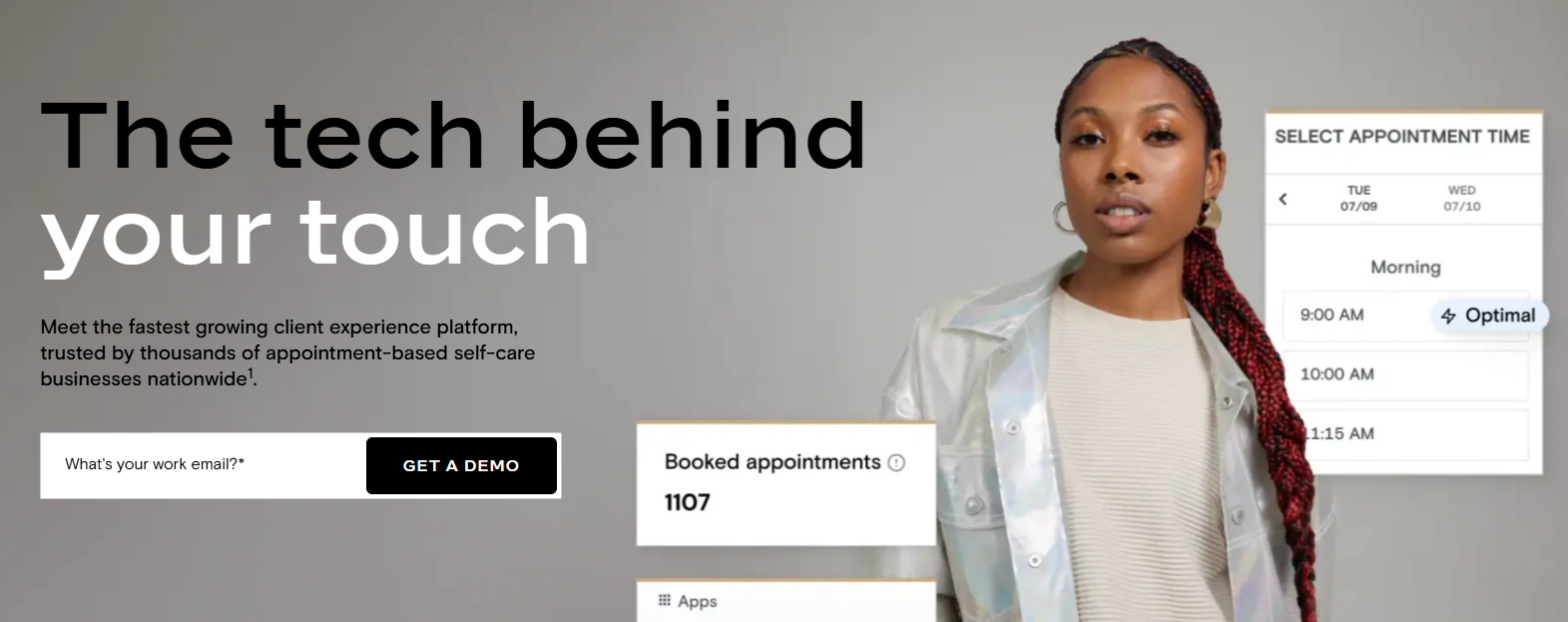
Boulevard is the most complete, all-in-one option for salon owners who want to leverage every strategy in this article from one dashboard.
What it offers:
- Clients add themselves to the waitlist from your booking page
- A staff member manually confirms the appointment, and the client receives an automatic notification
- Automated Last-Minute Opening campaign lives in the Marketing tab and fires on its own once you configure the settings
- Blast Campaigns let you reach specific tagged client groups with custom messaging when you want more control over who receives the outreach
- Client tagging includes options like VIP, Friends and Family, and Frequently No-Shows, plus unlimited custom tags you can create anytime
- Deposit collection is available on all Boulevard plans/tiers
What it can’t do:
- No social media posting from the dashboard; you have to go directly to Instagram or Facebook to post
- Because it’s a premium, all-in-one platform, it’ll take you and your staff three to four weeks to fully learn and master
Stop Rolling the Dice on Filling Last-Minute Cancellations in Your Salon

Now, having said all of this, I want to be clear that no combination of strategies is going to guarantee a full calendar after a last-minute cancellation.
Other salon owners I’ve spoken with say the same thing. Even with solid systems in place, filling a same-day opening via text yields a realistic fill rate of around 30 to 50 percent. Relying on front desk staff to make phone calls brings that closer to 25 percent.
The difference between those numbers largely comes down to automation. Last-minute cancellations will keep costing salons revenue no matter what, but how much you recover depends on how fast your systems move and how little of that response depends on who happens to be at the front desk when the cancellation comes in!
The waitlist, the client tags, and the automated campaign aren’t complicated to set up. The key is putting them in place ASAP so you can maximize revenue without constant staff oversight.
All of this means the question isn’t so much how to fill last-minute cancellations at your salon, but how to do so in the simplest, cleanest, and most automatic way possible. When you look at this hurdle from that perspective, the right approach for your salon will be crystal clear.

- How to Fill Last-Minute Cancellations at Your Salon - August 3, 2026
- The Best All-in-One Med Spa Software (2026) - May 11, 2026
- How to Manage Med Spa Staff Scheduling - April 29, 2026