

I’ve worked at salons alongside barbers, as well as taking my son to quite a few barbershops myself over the years. Throughout my time working with barbers, I noticed it was a pretty fast-paced workplace, and we needed good systems to keep track of online bookings and many many walk-ins, too. We didn’t want our point-of-sale (POS) system to slow us up. In a multi-chair shop, the register needs to be always connected, fast, and integrated with what other software is already being used.
A shop where every barber rents a chair and collects their own proceeds is very different from one where the employer manages the whole staff and pays commissions. Some businesses rely heavily on walk-ins, while others work mostly by appointment. Before deciding on a POS system, it helps to understand what your business structure needs for both right now and to make things flow well in the future.
Barbershop POS Systems at a Glance
| POS System | Required Equipment | TransactionFees for Small Business | TransactionFees for Large Business | Subscription Required? | Standout Features |
| Vagaro | Free e-reader; upgrade for PayPro card reader options | 2.60% + $0.10 | 2.29% + $0.10 | Yes | Waitlist booking automations; integrated checkout options with split payments |
| Booksy | None; purchase optional Stripe card reader for front desk | 2.49% + $0.10 | 2.49% + $0.10 | Yes | Shared location features for self-employed teams |
| Square | None; purchase optional Square card reader for front desk | 2.6% + $0.15 | Custom pricing for sales $250,000+ | Yes | POS system strong in retail sales and inventory features |
| Boulevard | None; purchase optional Boulevard Duo iPad reader + iPad for front desk | 2.65% | 2.65% | Yes | Polished booking and checkout experience; centralized business management |
| Squire | None; use free app or purchase optional e-reader for front desk | 2.5% + $0.20 | 2.5% + $0.20 | Yes | Automated notification features for walk-ins and call-ins |
Important Things to Consider
There are certain things you should keep in mind when choosing a barbershop POS system. Here are a few of them.
Commission Tracking and Booth-Rental Management
First, think about your business model. Make sure your POS system accommodates hourly pay, commissions, and booth rentals, if necessary. Also decide if you want your system to handle on-staff barbers and front-desk employees, alongside independent barbers.
Calendars and Scheduling
A multi-chair shop generally benefits from a calendar view that includes the whole team at once. That way, everyone can see who’s available at any given time to accommodate situations like walk-ins or double-bookings. Some POS systems even incorporate automated notifications for open chairs and new availability.
Also consider access and permissions like who would be in control of the calendar (likely the owner or receptionist) and how barbers would manage their personal schedules. Look into how this process may differ between barbers on staff versus those who rent booths.
Inventory and Retail Product Management
For shops who also sell product, it’s important to have a POS system that can accommodate the retail side of the business. Selling hair gel won’t be your main source of income, but it is certainly helpful to everyone’s bottom line: The shop increases revenue, barbers can earn commission, and clients reap the benefits of a very convenient way to purchase.
Integrating the retail side of things into your POS system will likely save yourself many administrative headaches by putting (and keeping) all your numbers in one place.
Checkout, Payments, and Tips
Handling your sales easily and quickly is arguably the most important job of a POS system. In order for that system to be effective, it first needs to be both client and staff friendly from an interface perspective.
A good POS system allows for payments in a variety of ways: credit card or phone tap, manual key-ins, cash payments, and even sometimes contactless features. Some POS systems also offer the capability of chairside transactions via an associated mobile app.
Finally, your system should include built-in reporting tools to help make your life easier. No need to spend time crunching numbers when you could have a system do it for you. Hourly rates, commissions, and tips all need to be allocated accordingly, so why not have technology help you out where it can?
An Overview of the Five Contenders
Vagaro
Best for multi-chair barbershops who want a broader set of business tools built into their POS system
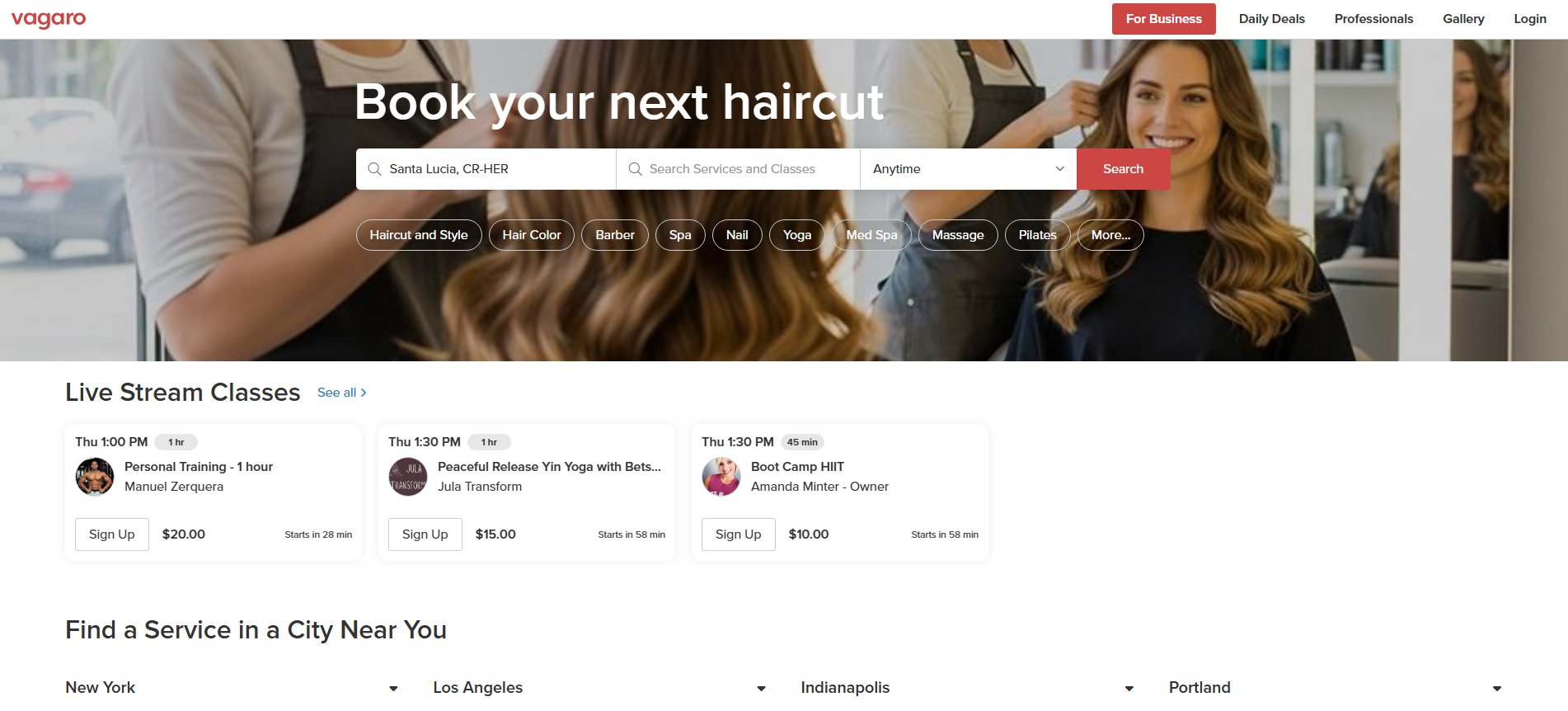
Vagaro is an all-in-one CRM system with booking, inventory management, and POS services.
Vagaro supports hourly and commission pay. For booth renters, it has tools for managing rental contracts and payments, with rental fees being automatically deducted from commission pay.
Merchants pay a base monthly subscription fee; a basic subscription includes an all-in-one client and retail management center, an e-reader for front desk checkouts, marketing, a dedicated client and business app, and reporting.
While you can stick with manual entry and saved card processing online, Vagaro offers a free dedicated e-reader to all new customers, which is all you need for a small- to medium-sized business. They also offer their PayPro devices, which are their branded card readers, cash registers, etc.
Credit card processing fees are published as follows:
- Subscription: $23.99/month plus $10/month per additional user
- Small business: 2.60% + $0.10 per each dip/tap/swipe with no extra monthly fee beyond the subscription
- Large business: 2.29% + $0.19 per each dip/tap/swipe while paying an extra $10 monthly fee
- There are also extra fees for cell phone tap-to-pay and manual key-in features.
The checkout features allow for split payments, invoicing, and cancellation/no-show charges that you can design to be manual or automatic. They also offer Buy Now, Pay Later options to offer your clients.
Booksy
Best for teams wanting simple, mobile-friendly checkout without traditional register setup
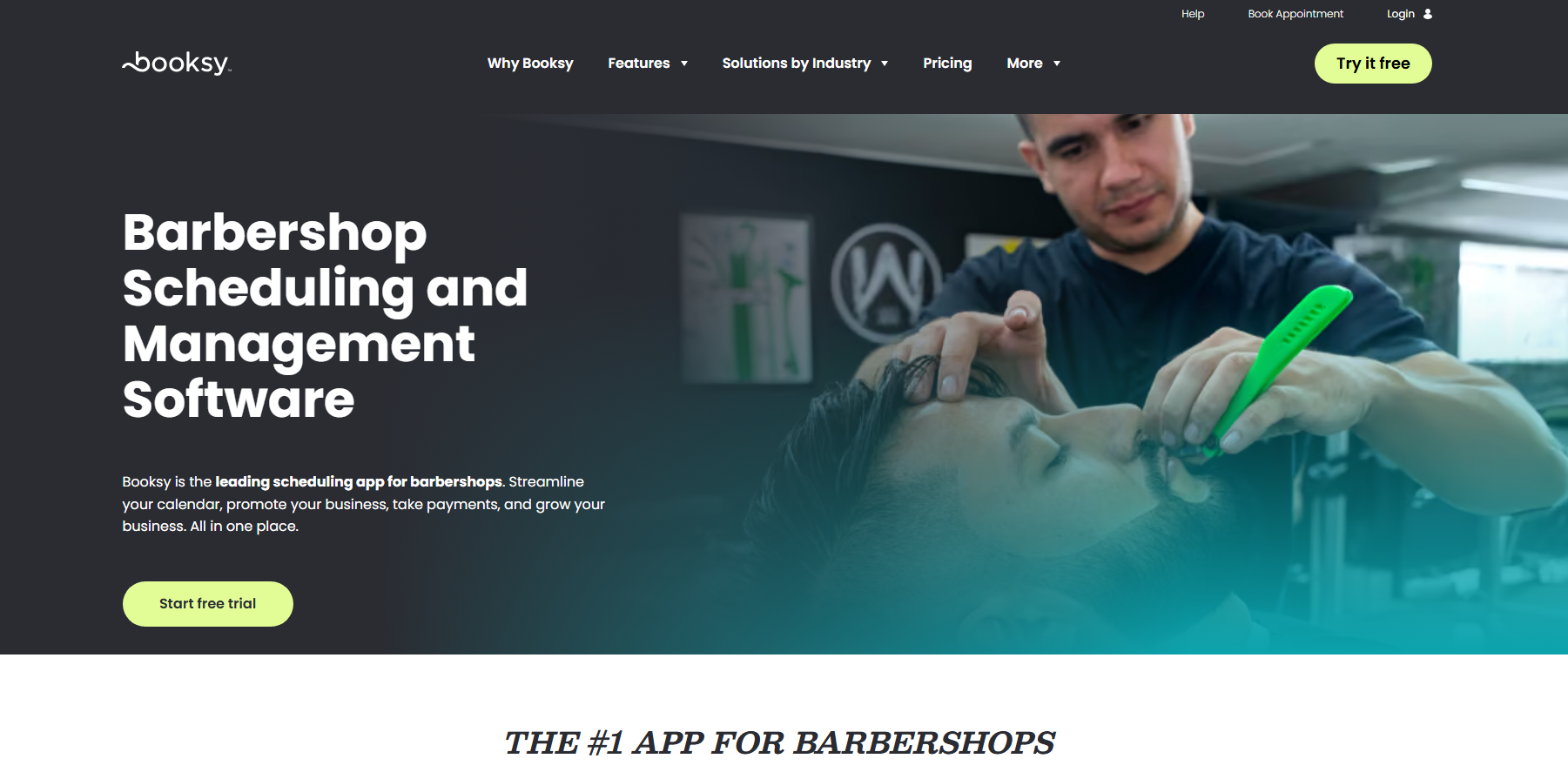
Booksy is an app platform that includes online booking, staff and client management, and marketing tools. It includes commission customizations, waitlist automations to fill openings, and inventory management.
If you’re an owner that operates booth rentals, Booksy does not have a built-in feature to support that, so you’d need to collect booth rent separately.
Depending on whether your team is composed of employees or those who are self-employed, Booksy offers features for shared location or multi-staffer features. The team could be in one master schedule with the owner collecting and distributing the revenue, or each barber would have a unique online presence, but the whole team would share the same location.
For inventory, product usage, and retail management, Booksy supports automated POS retail deductions, backbar stock data, and usage alerts.
Clients can book through Booksy marketplace and the free Booksy app. Multi-chair teams benefit from Booksy Biz Pro and Booksy Biz Mobile, with web portal access for advanced features of business management and managing calendars, clients, and mobile checkouts chairside.
In general, pricing can be summarized as follows:
- Booksy Biz Pro subscription: $29.99/month for one barber plus $20/month per extra user
- Stripe mobile reader (if you don’t want to facilitate checkouts via the free app): $53.10
- Merchant transaction fee: 2.49% + $0.10 per dip/tap/swipe
- There are also extra fees for other transactions and optional fast payout options.
Something interesting to keep in mind about Booksy is that they do not publish different rates for small- and large-volume businesses. Instead, they offer Booksy Payments included in your subscription at no extra charge, which gives the option to pass on all or part of your fees to your clients.
Square
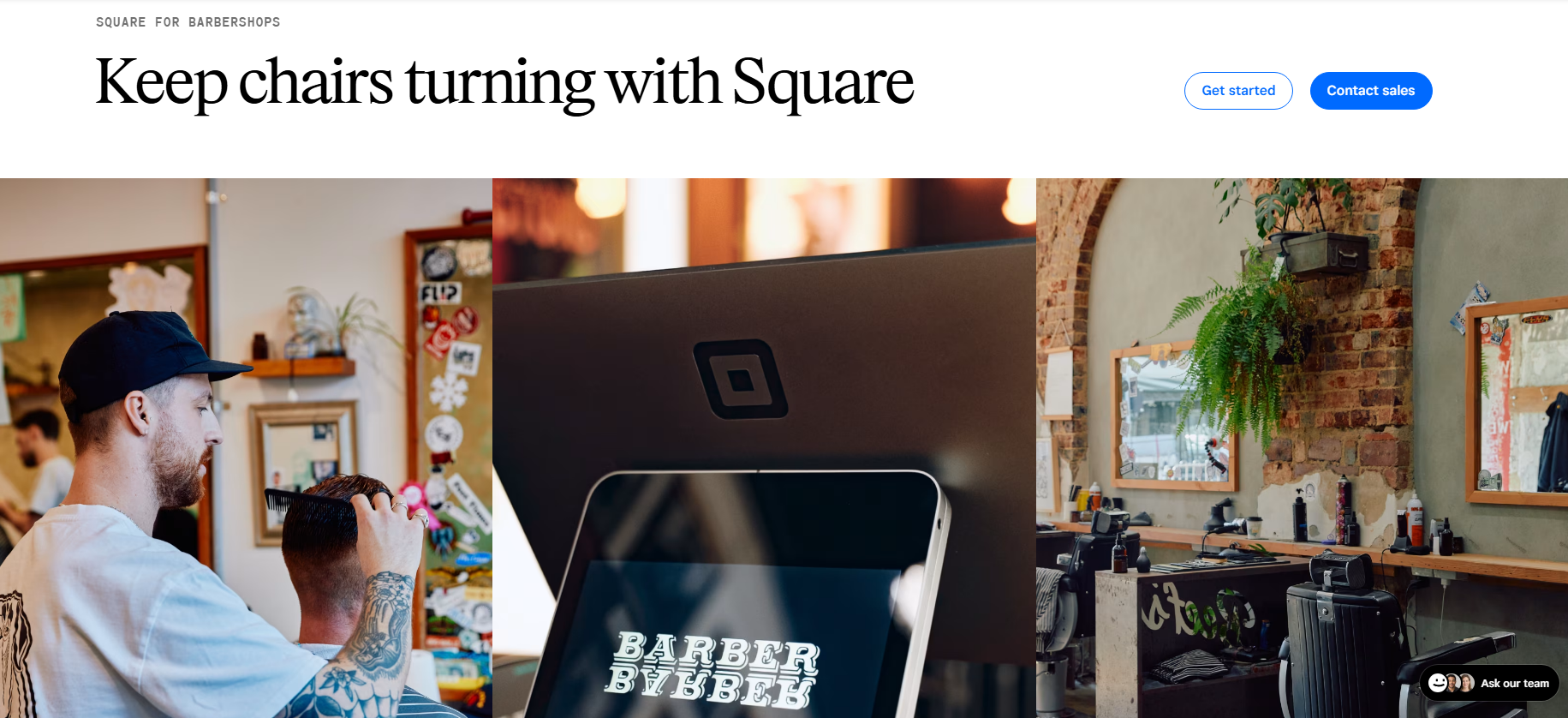
Best for barbershops who need a simple POS system that’s strong in retail sales
With Square, you’ll be managing appointments, staff availability, and services. You will also be able to track inventory and manage vendors and purchase orders.
Timecard reporting, customized commission rates, waitlists, and tip pooling are standard, and Square can handle centralized payroll processes with flexible tip-distribution methods.
But Square doesn’t specifically manage booth rentals. For this, you’d need to use their automatic invoicing process to bill your renters.
Booking calendars can be managed individually with staff who have their own Square app account. For multi-chair shops, Square features a side-by-side calendar view of all bookable staff. The owner can set permissions so front-desk staff and management can see and control either all calendars or just their own calendar.
Walk-in queues can be managed by staff. Waitlist clients are able to sign up online and will receive automatic notifications when there’s an opening. From there, staff can manually book them in, or the client can book online.
For Square, pricing looks like this:
- Traditional Square reader: $59
- Square Free subscription (for the basics): $0/month; 2.6% + $0.15 per transaction
- Square Plus subscription (for some advanced features): $49/month; 2.5% + $0.15 per transaction
- Square Premium subscription (for the full suite): $149/month; 2.4% + $0.15 per transaction
- For online processing, expect to add about 4%–5% + $0.15 per transaction.
- They offer custom rates if your annual sales exceed $250,000.
Finally, inventory and retail management is easy. Even though there are no backbar usage tools in the checkout settings, you’ll have the tools you’ll need to manage inventory and purchase orders inside the app.
Boulevard
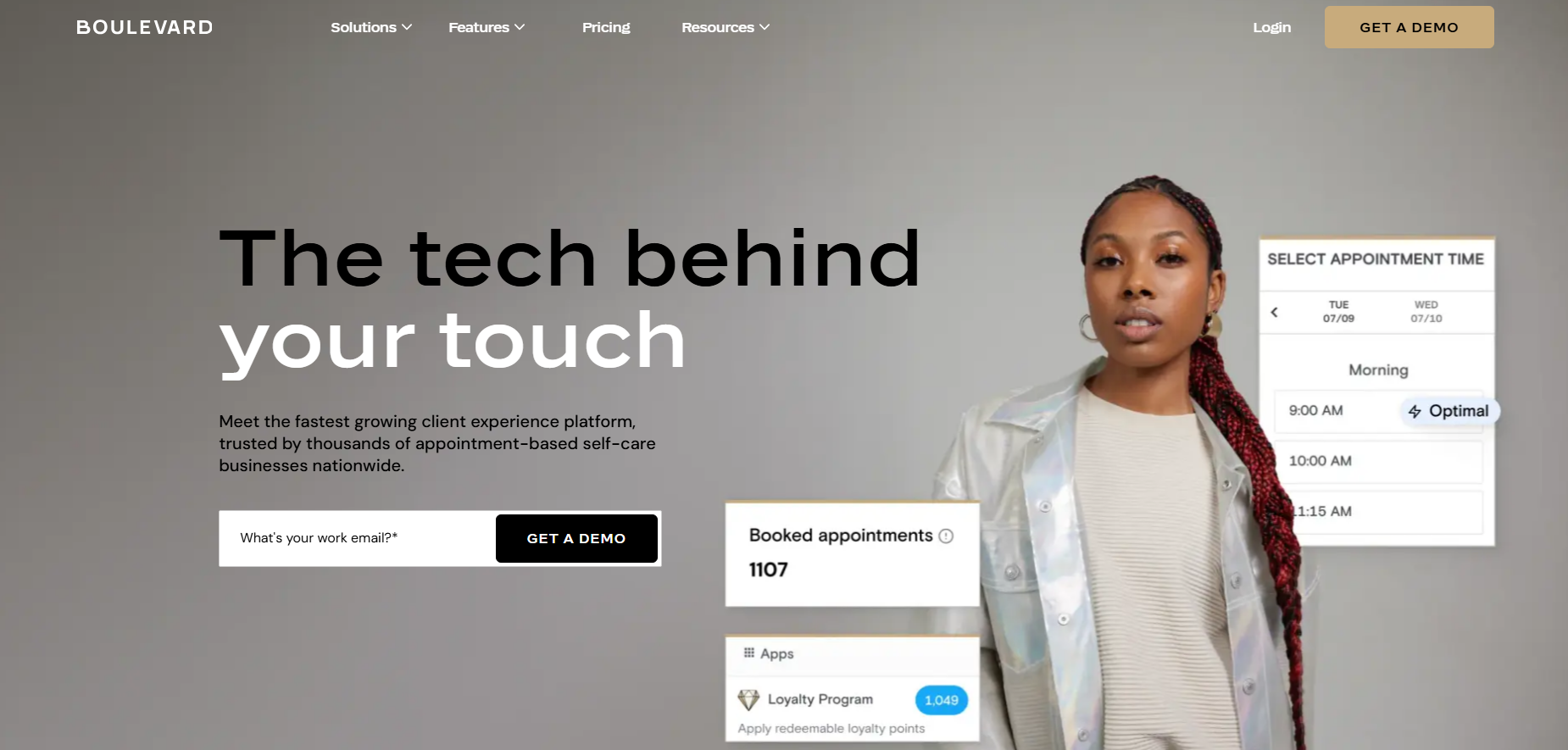
Best for mid-sized to larger, premium multi-chair barbershops
Boulevard is an all-in-one platform that covers everything from being a POS system to inventory management, booking, and CRM for many types of businesses, including barbershops. In addition to a full desktop system, staff can use the Boulevard Professional mobile app to manage their calendar and handle checkouts. They offer multi-chair, multi-location integrations that handle commission tracking and booth-renter payouts.
Walk-in clients can check in at a kiosk through the Boulevard Duo iPad app, at the front desk. Once their name is entered into the queue, staff can manage them alongside scheduled appointments in the calendar and book them into an open chair. Clients also have the ability to schedule appointments online. Once entered, Boulevard’s Precision Scheduling program manages walk-in and booked appointments together for centralized scheduling.
Waiting lists are handled a bit differently. Staff or clients can enter into a waiting list when they can’t find a desired opening. From there, staff manage the waiting list and manually book clients into openings.
Backbar usage can be monitored by staff, and Boulevard has strong inventory and retail-management tools that are integrated in the software.
The checkout experience can be managed with an integrated and automated POS checkout using a card on file or an in-person POS system. Staff use the Boulevard Payments system with the front-desk kiosk, desktop, or mobile app. Tipping can be divided amongst team members, and Boulevard supports commission tracking and reports for in-house and independent staff.
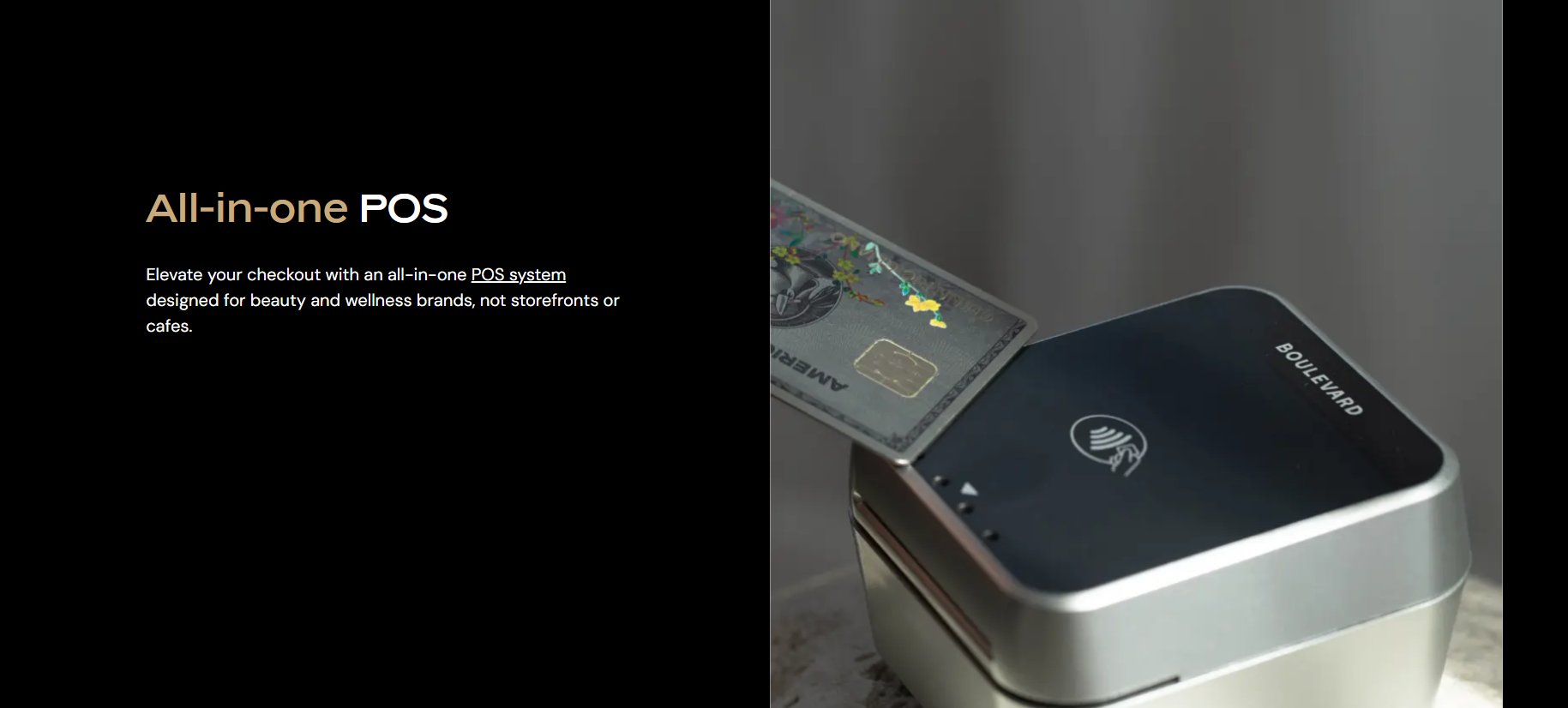
For in-person dip/tap/swipe checkouts and a client-facing tipping experience, you’d want to obtain a Boulevard Duo card reader, which also requires a connection to an iPad.
Boulevard pricing looks like this:
- Boulevard Duo reader: $149
- iPad to go with reader: market price
- Essentials subscription (for small teams with one location): $159/month or $143/year
- Premier subscription (for midrange businesses with multiple locations): $260/month or $234/year
- Prestige subscription (for sophisticated businesses with multiple locations): $364/month or $328/year
- Transaction fees: 2.65%
Another perk of Boulevard is their optional Boulevard Offset program, which charges your client a 3% surcharge for card processing. This converts into just a 1% fee for your shop to cover.
Squire
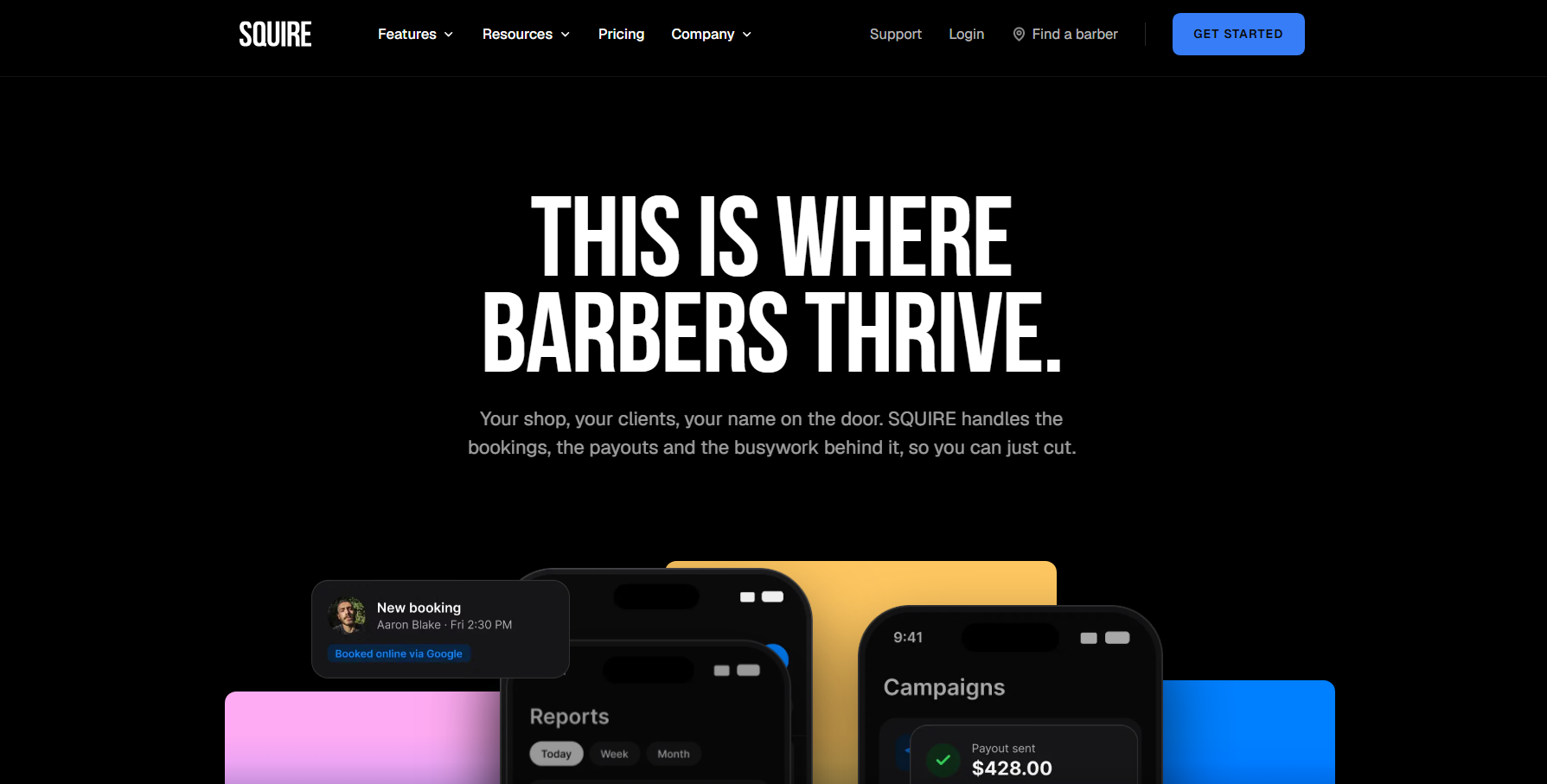
Best for barbershops who want an industry-exclusive system
Squire is an all-in-one business-management system. It was built especially for single, multi-chair, and multi-location barbershops and combines appointment scheduling, walk-in management, payments, barber payouts, and shop operations, including inventory management.
It supports both commission payout splits and booth rental collection. Squire uses tiers that allow your barbers to earn more commission based on the total revenue they generate per pay period. Booth rents will come out automatically.
Fill same-day gaps with walk-in and waitlist texts to clients. Once they receive a notification, this allows the client to book online and pay ahead. If the spot isn’t filled after 10 minutes, the automated system will then move onto the next client on the list.
Squire pricing can be summarized as:
- Transaction fee: 2.5% + $0.20
- Pro subscription (for one location): $50/month
- Executive subscription (for high-growth shops): $150/month per shop
- Titan subscription (for established, multiple locations): $250/month per shop
Note that features for inventory tracking and purchase orders are only available with a Titan membership.
Client payment options are varied. Staff can use the free Squire Commander app on their mobile device. While there’s no requirement for a physical equipment setup, owners can purchase an optional Stripe card reader for a full POS setup for use with a cash drawer and receipt printer.
Choosing the Right POS System for Your Shop
Once you’ve narrowed the list, bring a few real-life situations into your research. Ask the POS provider to show you the walk-in and waitlist automations, if any, how the contactless and full-contact checkout works, what calendar features are present, and how commissions and tips are distributed amongst the staff. It also may be helpful to question how these features change with an in-house staff compared to independent barbers.
One useful way to compare providers is to give each one the same example: your current estimated monthly credit card sales, average transaction amount, and number of active or future active chairs. Based on those figures, it’ll be easier for you to compare the systems to each other.
The right POS system should fit who you are right now as well as the business you plan to grow into. A system that works well behind the scenes gives everyone in your shop more time to focus on the clients in the chairs.

- Best Barbershop POS Systems: What Multi-Chair Shops Should Look For - November 19, 2026
- Best Way to Sell High-Ticket Medspa Packages Without Discounting - November 13, 2026
- Olaplex Products Worth the $$$ (and Where to Buy Them) - September 6, 2026