

About 20% of all salon appointments are no-shows, leading to losses of over 10% of annual revenue.
Last year, our salon had around 200 appointments per month, each one producing an average $85 in revenue. With a similar percentage of appointments ending up as no-shows, we lost over $3,000 per month.
But the money isn’t the worst part of no-shows… The worst part is the disruption to the entire day.
I once booked a major color correction, including haircut, layers, and a blowout. Blocked five hours of my day for it. I had two other customers ask if I had any availability at the last minute, and I had to turn them away.
Then the customer didn’t show. A full day gone, and no more clients to fill the space.
She actually rebooked with me for another time (though I didn’t realize it was the same person), and the exact same thing happened yet again.
After that debacle, I decided to go on the hunt for salon management software that could manage and track my no-shows so I could prioritize my schedule more effectively. Here are the top six options that I found and how each one handles no-shows.
1. Boulevard
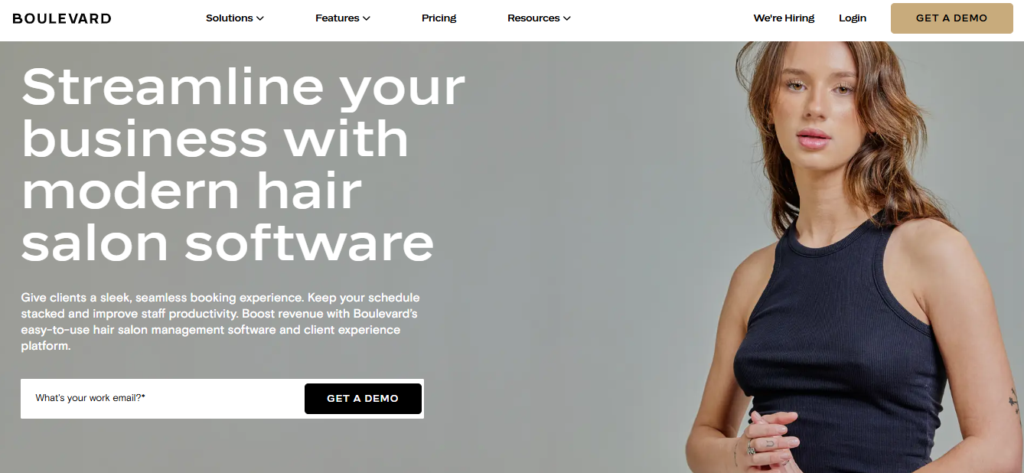
How Boulevard Handles No-Shows:
- Automated reminders: Give your clients a chance to reschedule with time to spare. These messages (along with any other customer correspondence) are neatly consolidated in Boulevard’s message center.
- Blast campaigns: Rapidly fill an suddenly empty slot with blast campaigns that can be very narrowly customized.
- Rich client profiles: Get access to comprehensive client profiles that include room to note details about cancellations, last-minute changes, and no-shows. If a client asks for an appointment, you can review the notes and reject out of caution, follow up if needed, or request a deposit/pre-payment.
- Cancelled appointment lists: Keep a thorough list of all canceled appointments, including detailed reports and analytics that help you measure specific metrics and get a broad understanding of trends.
- Deposits and pre-payments: You can add credits to client profiles through Boulevard, allowing you to collect pre-payments and apply them at checkout — or remove credits upon a no-show. So if a client books a $180 haircut and color and pays a $50 deposit, the $50 deposit can then be subtracted at checkout for the client to pay the remainder.
Stand-Out Feature: Blast Campaigns
In my opinion, Boulevard’s blast campaigns are the best in the business for filling holes that just opened up in your schedule.
This stands apart from competitor offerings because of the sheer customization here: You can fine-tune everything down to exactly how much of the day is available, whether that’s 10% or 75%. You can even adjust these campaigns on a per-stylist level, depending on who has the most open slots.
For example, if a given day reaches 50% or higher availability, you can send out an email or text message blast to attract new appointments, move up existing appointments, or encourage rebookings.
2. GlossGenius
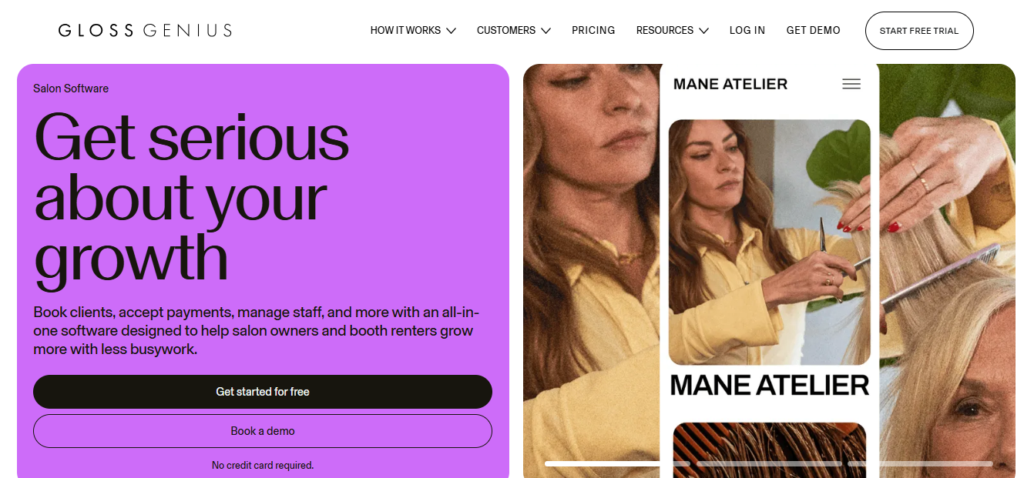
How GlossGenius Handles No-Shows:
- Automated appointment reminders: Send SMS/emails to clients with upcoming appointments, giving them an opportunity to cancel or reschedule if needed.
- Waiting lists: Quickly fill last-minute openings by allowing clients to place themselves on waiting lists and get bumped up to suddenly open timeslots.
- Prepaid packages: Create bundles that clients can pay for ahead of time, letting you deduct credits from their balance upon a missed appointment.
- No-show protection: Clearly see which clients are missing appointments, charge a cancellation fee if needed, and even prevent repeat offenders from rebooking.
Stand-Out Feature: Waiting Lists
GlossGenius’ waiting list is stronger than most others in the industry — while most platforms will require you to manually add people to a waitlist and manage communications, GlossGenius allows your clients to preemptively put themselves on the list. Should someone cancel last-minute, it will automatically contact people on the list and give them the opportunity to get an earlier appointment.
3. Vagaro
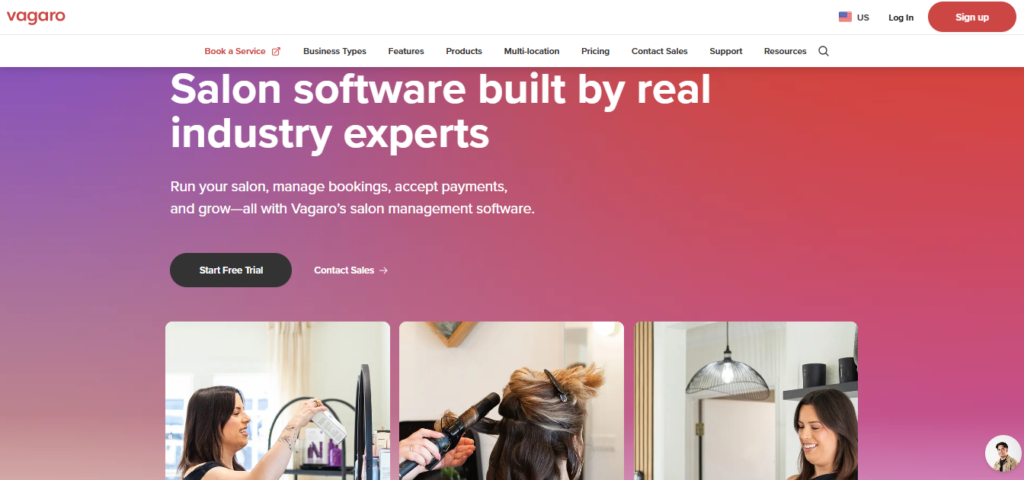
How Vagaro Handles No-Shows:
- Automated messages: Send automatic reminders two days before and/or on the day of the appointment, giving clients the option of confirming or rescheduling.
- Manual annotations and reports: Mark appointments as no-shows, allowing Vagaro to track these incidents and report data on revenue, trends, cancellations, no-shows, missed payments, and even individual customer data.
- Cancellation fees: Charge late cancellation and no-show fees, whether it’s a flat fee or a percentage of the total service. If clients booked with a package or membership, you can also deduct from that membership or package.
- Prepaid options: Offer prepaid packages to customers who show a habit of missing their appointments.
- Filterable waitlists: Fill last-minute openings with a waitlist that customers can add themselves to. They can even set certain parameters for notifications, such as any openings that might crop up on just Tuesdays.
- Blocking: As a last resort, block customer profiles from booking with you entirely. After reviewing the data and attempting other ways of reducing no-shows, this might be a good option if a customer repeatedly fails to show up and yet continues to rebook.
Stand-Out Feature: Blocking
No one wants to block a client, but every once in a while, someone will try to take advantage of you. And if you’re not careful, they’ll do it again if you don’t remember the offender’s name. Personally, I’m a bit of a softie… if someone begs me for a color correction six months after their last no-show, I’m probably going to give in, not remembering how badly they messed up my schedule last time.
This is where Vagaro’s blocking feature is a lifesaver. After your schedule is upended by someone who couldn’t bother to call for the third time, you can easily block their customer profile so that they’re unable to book an appointment with you no matter where they are: your website, the Vagaro marketplace, or social media. This can be really useful as a last resort.
4. Fresha
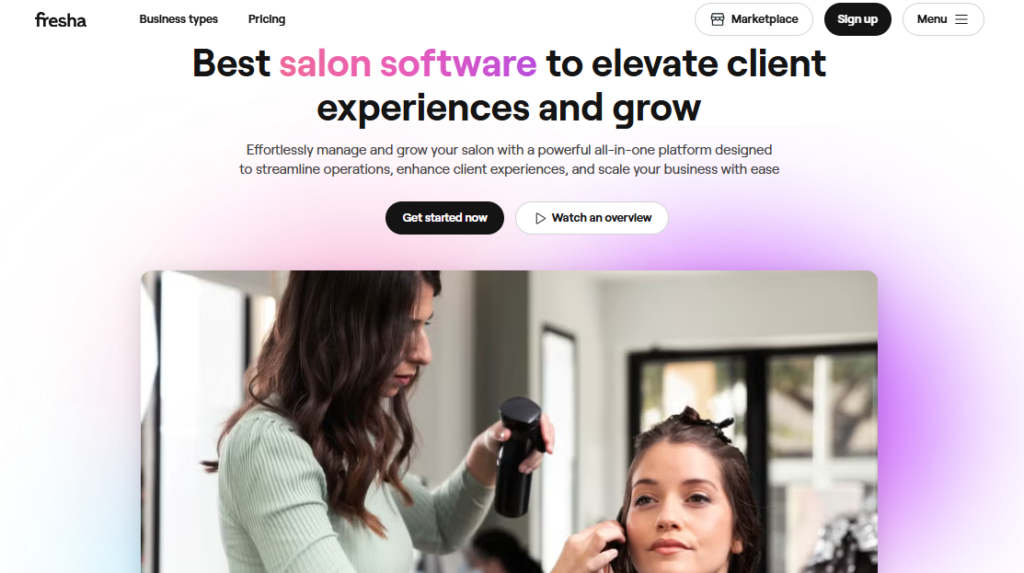
How Fresha Handles No-Shows:
- Automated messages: Customize reminders to include information on deposit requirements, cancellation fees, and options to reschedule.
- Waitlists: Use Fresha’s rudimentary waitlist to send notifications and fill last-minute openings.
- Manual flagging: Indicate late cancellations and no-shows directly in the Fresha calendar.
- Payment policies: Customize payment policies for cancellations and no-show fees, letting you set up an upfront deposit or bill a cancellation fee once the appointment time has come and gone.
- Prepaid packages: Sell prepaid packages and/or memberships, letting you deduct credits for missed appointments and recoup some of your losses.
Stand-Out Feature: Manual Flagging
Fresha’s manual flagging of no-shows and cancellations make it easy to spot-check a customer’s reliability. While other software might show this data in a report that’s buried on another page, Fresha will flag problem customers so that when their information pops up, you know immediately whether they recently pulled a no-show or canceled on you.
5. SalonTarget

How SalonTarget Handles No-Shows:
- Automated messages: Send SMS and email reminders that let clients confirm, reschedule, or cancel with a single click.
- Client reports on no-shows/cancellations: Instantly understand which clients are lost in the communication gap, empowering you to adjust your strategy and perhaps call them directly for better results.
Stand-Out Feature: Client Reports
SalonTarget’s reporting is where it shines the most, making it abundantly easy to see where your problem areas are and where clients are getting lost in the funnel. This data makes it possible to adjust your marketing strategy to avoid no-shows, such as by increasing automated reminders in the days leading up to an appointment.
6. STX

How STX Handles No-Shows:
- Automated reminders: Send your clients reminders about their appointment days, weeks, or even months in advance.
- Booking confirmations: Automatically send detailed confirmations that let clients know who they’re meeting with, when their appointment is booked, and anything else they need to know.
- Pre-payments and deposits: View clear records of any cancellations, and enact required pre-payments/deposits for any clients you wish.
Stand-Out Feature: Pre-payments
STX doesn’t necessarily handle pre-payments better than its competitors, but it’s my favorite feature of the platform, and it makes it easy to set up policies that automatically transfer the deposit/pre-payment upon a cancellation.
All you have to do is look back through your records, see who has a history of no-shows or late cancellations, and set up an upfront deposit rule on a per-client basis. If they fail to show up, STX will automatically keep that money in your account; if they attend the appointment, that money will be put toward the final invoice.
Protecting Your Bottom Line with Salon Management Software That Tracks No-Shows
Most modern salon management software will include safeguards against late cancellations and no-shows. While offerings like GlossGenius have leaned into robust waitlist solutions, and while Vagaro’s approach to data analytics is a strong analytics feature, I like Boulevard as an all-in-one solution for managing blast campaigns, cancellation fees, and very robust client profiles.

- Locklab vs Happy Head - December 9, 2025
- Best Hair Salon Management Software for Managing and Tracking No-Shows - December 4, 2025
- Best Salon Booking Software with Built-In Marketing Tools - November 25, 2025